Take More Clients.
Without Hiring More Staff.
Your designers should be designing, not removing backgrounds. Get from raw assets to final deliverables in minutes—for every client, every revision. Scale without the headcount.
Every Agency Hits This Wall
More clients means more image work. And that means...
Creative Bottleneck
Your best designers spend 40% of their time on repetitive image editing instead of creative work.
Endless Revisions
"Can we try a different background?" Every client revision means starting from scratch.
Scaling Problem
Each new client needs more hands. Your margins shrink as you hire to keep up.
Tasks AI Does Better
Background removal, color changes, missing product images—manual work that's slower and lower quality than AI. And your team should focus on tasks where they provide much more value.
The Old Way vs. The New Way
See how much time you'll save
Manual Process
Receive images from client
Day 1
Set up batch script or open images
10-15 mins setup
Requires scripting knowledge
Remove backgrounds with AI Select Subject
5-15 mins per image
Still needs manual cleanup on complex edges
Color correct and retouch each
3-5 mins per image
No batch color correction for creative edits
Export for each platform manually
Multiple export passes
Amazon needs 2000px JPEG, eBay 1600px, Shopify WebP
Send for client review
Wait 1-3 days
Handle revisions: repeat steps 2-5
Start over
No version history to roll back
Total time:
2-4 hours per batch
With Pixel Harbor
Drag & drop entire batch
30 seconds
AI processes all images
2-3 minutes for 100 images
Review and adjust if needed
1-2 minutes
Export to all platforms at once
1 click
Send for client review
Wait 1-3 days
Handle revisions: roll back & create new version
Under 5 minutes
Total time:
Under 10 minutes (initial) + ~5 min per revision
Version Control Built for Agency Chaos
"Can we go back to the version from Tuesday?" "Let's compare three background options." Stop dreading client requests.
- Full Edit HistoryEvery change tracked automatically. Nothing lost, ever.
- One-Click RollbackGo back to any previous version instantly. No digging through folders.
- Client PresetsSave each client's preferences. Apply them to new batches with one click.
- Compare Side-by-SideShow clients options together. Make decisions faster.
Deliver Exactly What Each Client Needs
Custom export templates for your agency standards. Platform-specific formats for your clients. No manual resizing or reformatting.
Agency Standards
Set your file size limits, preferred formats, and naming conventions once. Apply to every project.
Platform-Specific
Export for Amazon, eBay, Shopify, or custom specs. Each platform gets exactly what it requires.
File Size Limits
Webflow has upload limits? Automatically optimize to fit. Never manually compress again.
Real Agency Workflow
Example: Fashion client needs product images for their Shopify store. You upload 50 images, remove backgrounds, try 3 different lifestyle backgrounds. Client picks option 2.
You export: High-res for print (300 DPI, 5000px), web-optimized for Shopify (2048px WebP), and thumbnails for email (800px JPEG)—all in one click.
No manual resizing. No "save for web" 50 times. No missed files.
Rapid Ideation for Client Pitches
Explore ideas fast. Show clients 5 concepts instead of 1. Win more pitches with visual options they can actually see.
AI-Powered Variations
Have a base product image? Generate it in different colors, angles, or scenes—without a reshoot.
Example: Client wants to see their backpack in 5 colorways. Upload one image, specify colors, get 5 variations in minutes.
Reference-Based Generation
Find inspiration online? Combine reference images to create something unique for your client.
Use cases: Product shots, lifestyle images, UI mockups, brand visuals.
Chat-Like Editing
"Make the background softer" "Add more contrast" "Try a warmer tone"
No sliders. No technical jargon. Just describe what you want, like you're talking to a designer.
Perfect for pitches. Create a collection, brainstorm visually, show the client real options—not sketches.
Quality Your Clients Will Love
Output that matches—or exceeds—your junior designers. Consistent, reliable, every time.
Batch Processing
Upload 500 images. Process all at once. No manual clicking through each file.
AI Upscaling
Client sent low-res images? Upscale to print quality without losing detail.
Smart Cropping
Automatically crop to platform specs while keeping subject centered.
Consistent Output
Same quality every time. No 'depends who worked on it' inconsistencies.
Background Removal
Perfect edges on hair, fur, and complex products. No more painstaking manual masking.
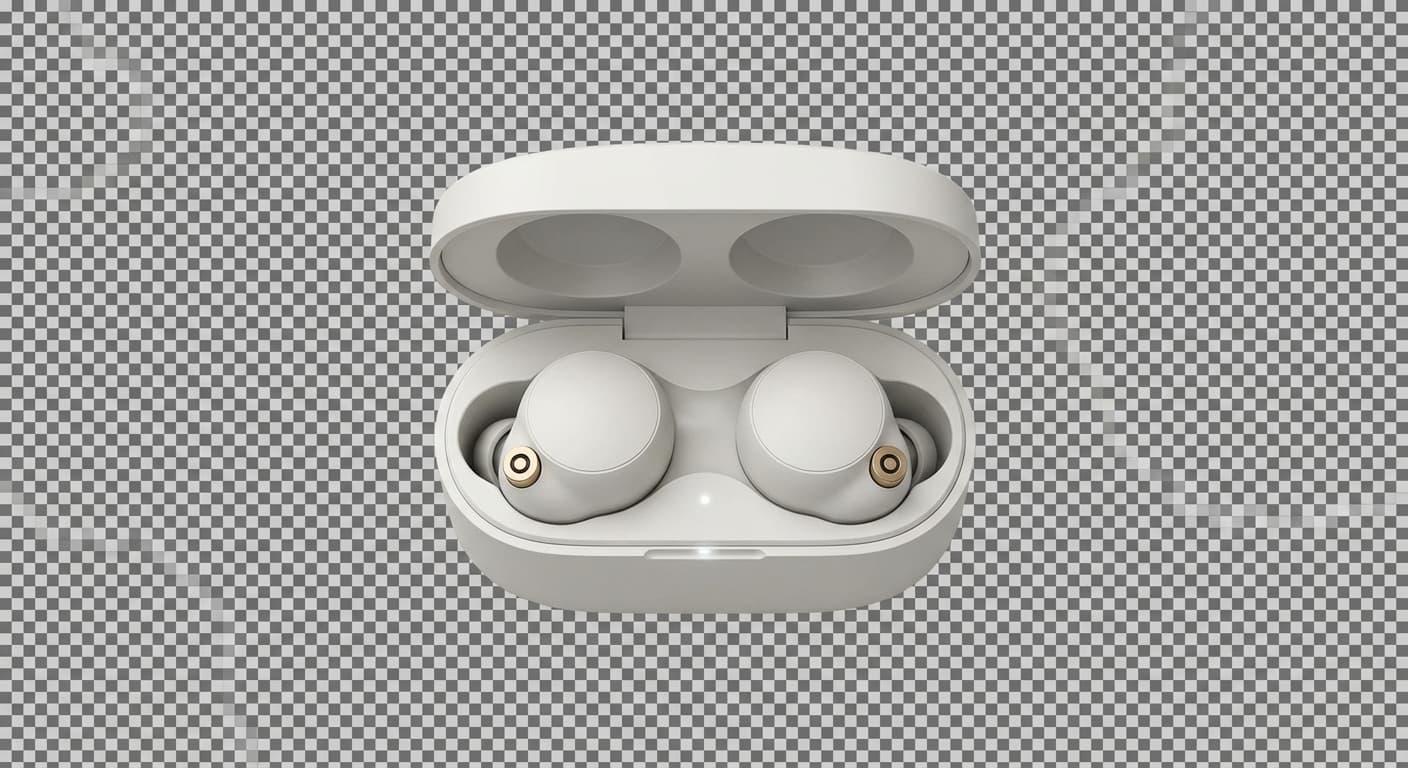

Object Removal
Remove unwanted elements without re-shooting. Save client budget and your time.


The Math That Matters
Based on processing 1,500 images/month (typical for 20-50 client agency)
Current Approach
Monthly costs
With Pixel Harbor
Monthly costs
81% cost reduction
Plus 37+ hours saved per month for client-facing work
Built for Agency Scale
Handle more clients without growing your team. Real capabilities, not marketing fluff.
Process hundreds at once
Compared to manual workflow
Based on 1,500 images/mo
Version control built-in
And That's Just the Beginning
AI-powered editing, virtual models for fashion clients, batch processing, platform export — explore all the features designed for agency workflows.
Explore All FeaturesOne Subscription Replaces Your Tool Stack
Junior designer time + Photoshop + plugins + stock backgrounds. We replace it all.
Buy credits as needed
- No monthly commitment
- Credits never expire
- Bulk discounts available
- All AI features included
billed annually
- 3,000 AI credits per month
- Unlimited non-AI processing
- 1-month retention
- 20 virtual models
billed annually
- 5,000 AI credits per month
- Unlimited non-AI processing
- 3-month retention
- 100 virtual models
billed annually
- 15,000 AI credits per month
- Unlimited non-AI processing
- 1-year retention
- Unlimited virtual models
Ready to Scale Without the Headcount?
Try it with one client project. See the time savings. Then roll it out.