Your Suppliers Send Chaos.
Your Customers See Perfection.
Thousands of product images from dozens of suppliers. Different cameras, backgrounds, lighting. You need them marketplace-ready by Friday.
The E-commerce Image Problem
Every e-commerce team knows this pain
Supplier Chaos
Every supplier sends different quality. Phone photos, studio shots, random backgrounds—you get it all.
Marketplace Rejections
Amazon rejects for wrong background. eBay rejects for wrong dimensions. Each rejection delays your launch.
Inconsistent Styling
Changing product colors or maintaining consistent style across variants is nearly impossible to do fast and well by hand.
Missing Lifestyle Images
You have basic white background shots, but no lifestyle images showing products in use. Manually creating them is too expensive.
Wasted Creative Time
Your team should be optimizing conversions and launching products, not removing backgrounds and adding shadows for hours.
Can't Find Problem Images
With 10,000+ products, which images are slowing your site? Manual checking with DevTools takes forever. PageSpeed Insights doesn't scale.
Why Changing Product Colors By Hand Takes Hours
You need the same backpack in 5 colors. The same dress in 3 patterns. Each variant needs 10 angles. That's 50 images to manually edit in Photoshop.
The Manual Reality
Masking Hell
Precise selection on complex edges, hair, fur, fabric texture. One backpack angle? 15-20 minutes of expert Photoshop work.
Color Matching Nightmare
Hue-Saturation adjustments. Selective color. Color balance. Getting the exact red across 10 angles with different lighting? Nearly impossible to match perfectly.
Shadows & Highlights Don't Match
Change the product color, but the shadows and highlights are wrong. Customers notice the inconsistency. Looks amateur.
5 color variants × 10 angles = 50 images × 20 min each = 16+ hours of tedious work
AI-Powered Style Transfer
Upload one perfect shot of your base product (blue backpack, 10 angles)
Select target colors or patterns (red, green, camo, floral)
AI generates all variants automatically—same lighting, same shadows, same positioning
Perfect consistency across every angle, every variant
50 images in 30 minutes
What took 16 hours manually now takes half an hour. Launch products 30× faster.
Real use case: Fashion brand with 200 products, 5 colors each. Manual workflow: 3 weeks. With Pixel Harbor: 2 days.
Find and Fix Your Problem Images Automatically
You can't manually check 10,000 product pages. You need to know: Which images are slowing your site? Which are too small? Which break your design?
The Manual Way Is Impossible
Open each product page. Check DevTools. Note file sizes. Check dimensions. Export to spreadsheet. Even at 30 seconds per product, that's 83 hours for 10,000 products.
Scan Your Entire Store in Minutes
Enter your store URL. Pixel Harbor crawls every page, analyzes every image, identifies problems (file size, dimensions, format), and downloads them—preserving your folder structure. Fix in bulk, re-upload.
What Gets Analyzed:
Stop Losing Days to Marketplace Rejections
Amazon rejected 50 listings because backgrounds weren't pure white. eBay rejected 30 because dimensions were wrong. Each rejection delays your launch by days. Your team scrambles to fix and resubmit. This shouldn't happen.
The Rejection Cycle
Upload 200 product images to Amazon
Wait 2 days for review
50 rejected: "Background must be pure white"
Fix backgrounds manually in Photoshop
Re-upload and wait another 2 days
Launch delayed. Competitor already on page one.
Upload Once, Every Marketplace
Pixel Harbor knows every marketplace's requirements. Amazon needs pure white backgrounds and 2000×2000 minimum. eBay wants 1600×1600. Shopify accepts anything but loads faster with WebP.
Upload your images once. Export versions for each platform automatically. No rejections. No delays. No scrambling.
One Upload, Every Marketplace
Upload once. Export marketplace-ready versions for every platform automatically.
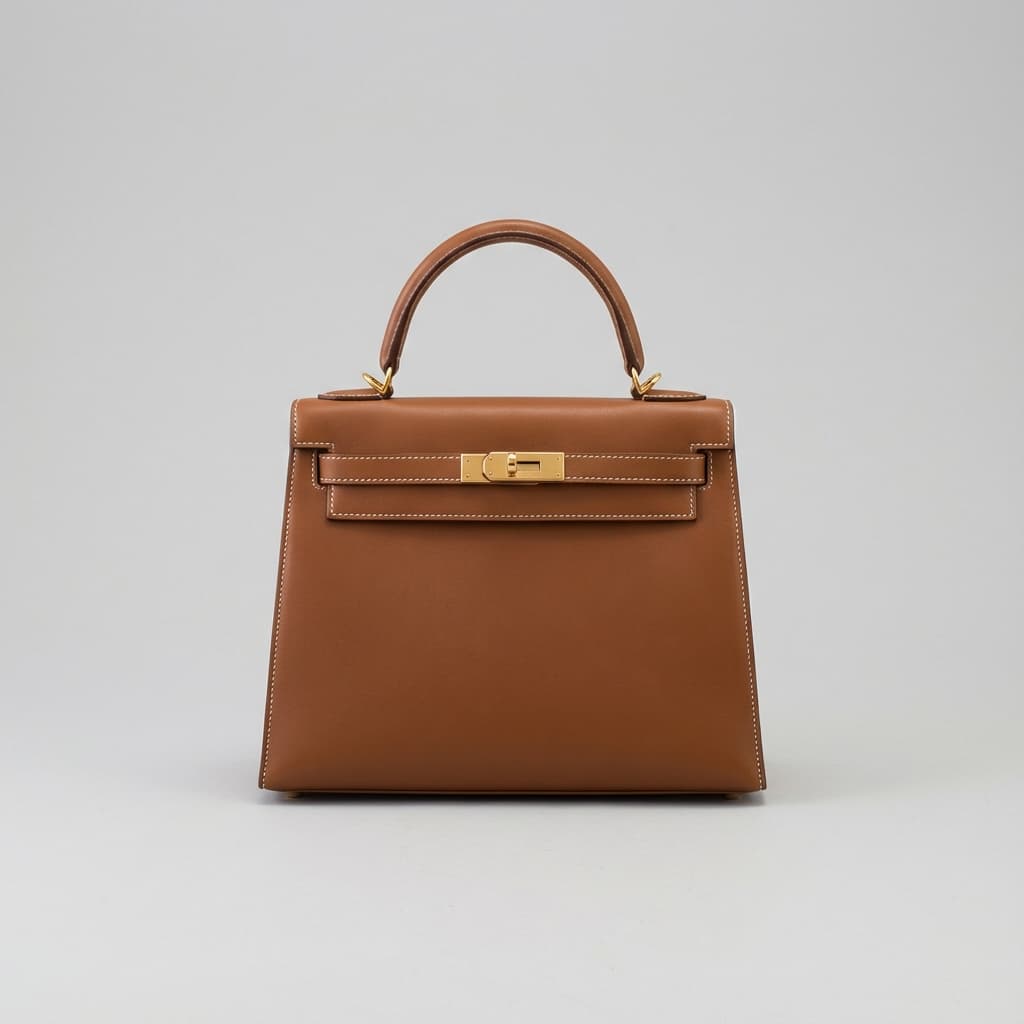
Your Image
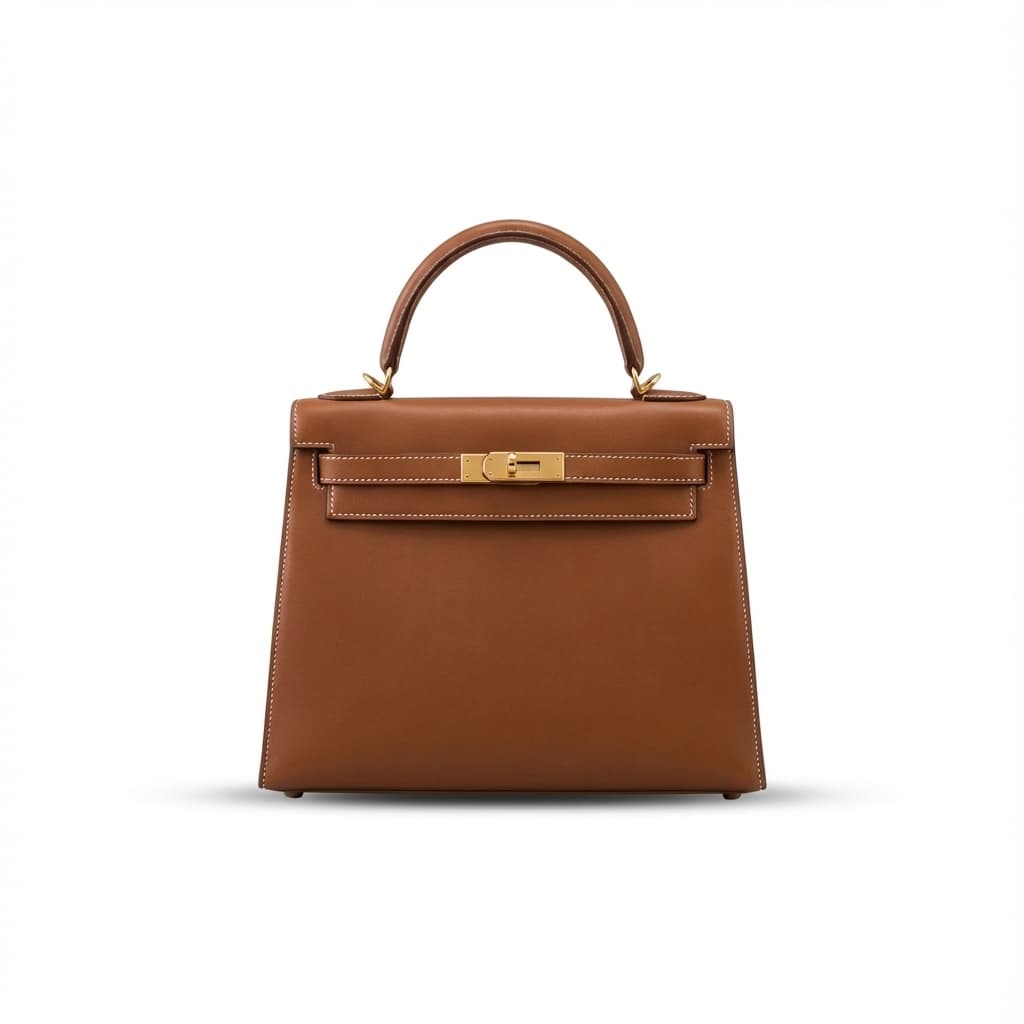
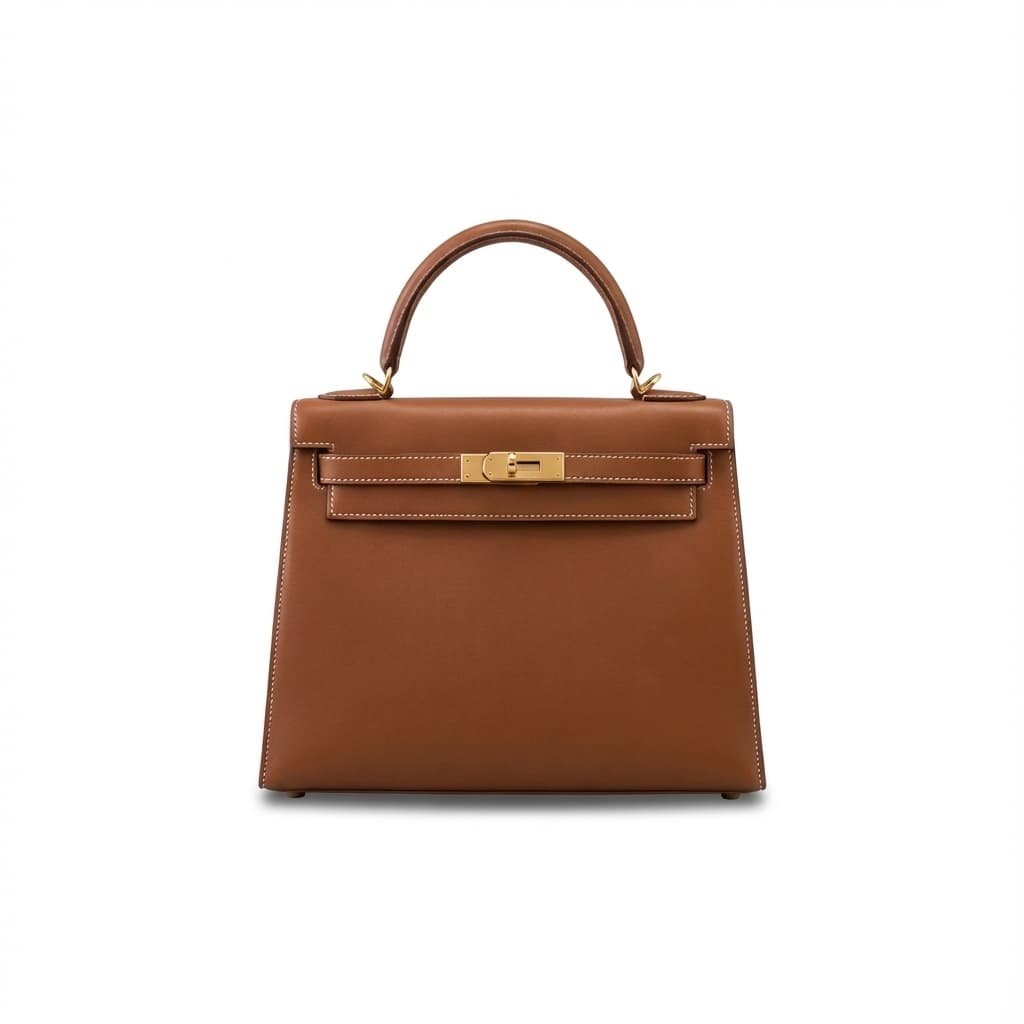


+ More
Walmart, WooCommerce,
custom presets...
Your Team Shouldn't Be Doing This
Your designers aren't designing. Your product team isn't optimizing conversions. Instead, they're spending hours in Photoshop fixing supplier photos. That's time they could spend on work that actually grows your business.
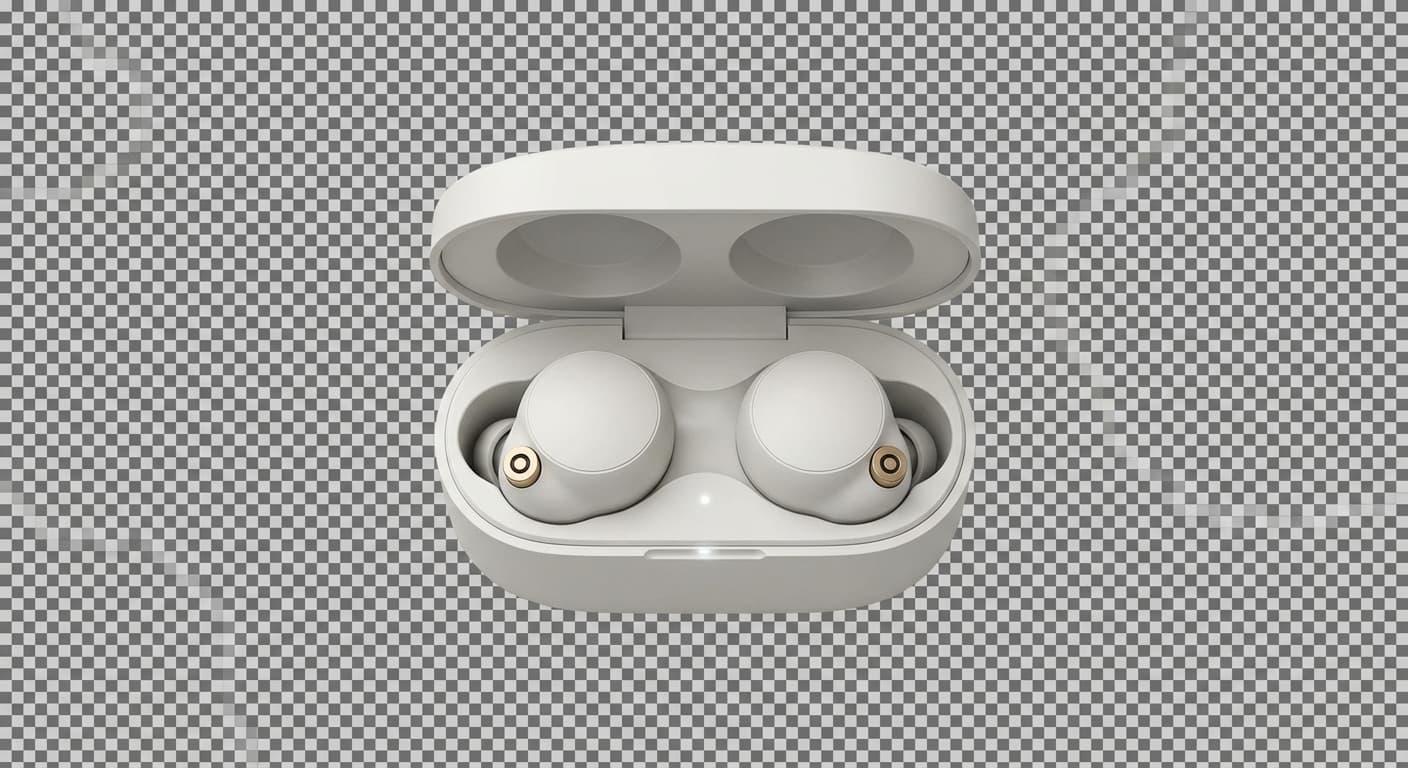
Stop Manually Masking Backgrounds
Your team spends 10-15 minutes per image carefully masking backgrounds in Photoshop. For 100 products, that's 2-3 days of work. They could be optimizing product descriptions for SEO, analyzing competitor pricing, or launching new products faster.

No More Marketplace Rejection Cycles
Amazon requires pure white backgrounds. Your team manually recreates backgrounds, waits 2 days for review, gets rejected, fixes again. Each cycle delays your launch and costs sales to competitors already on page one.
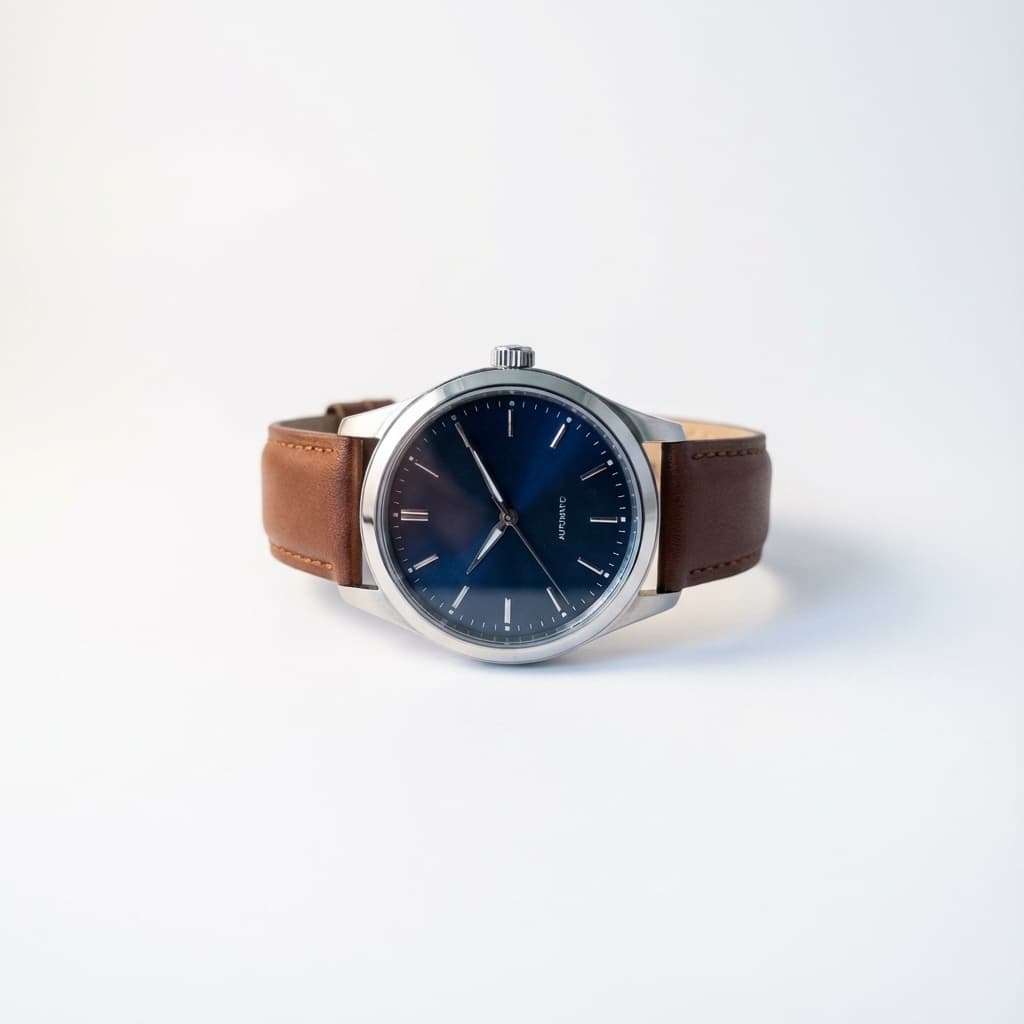
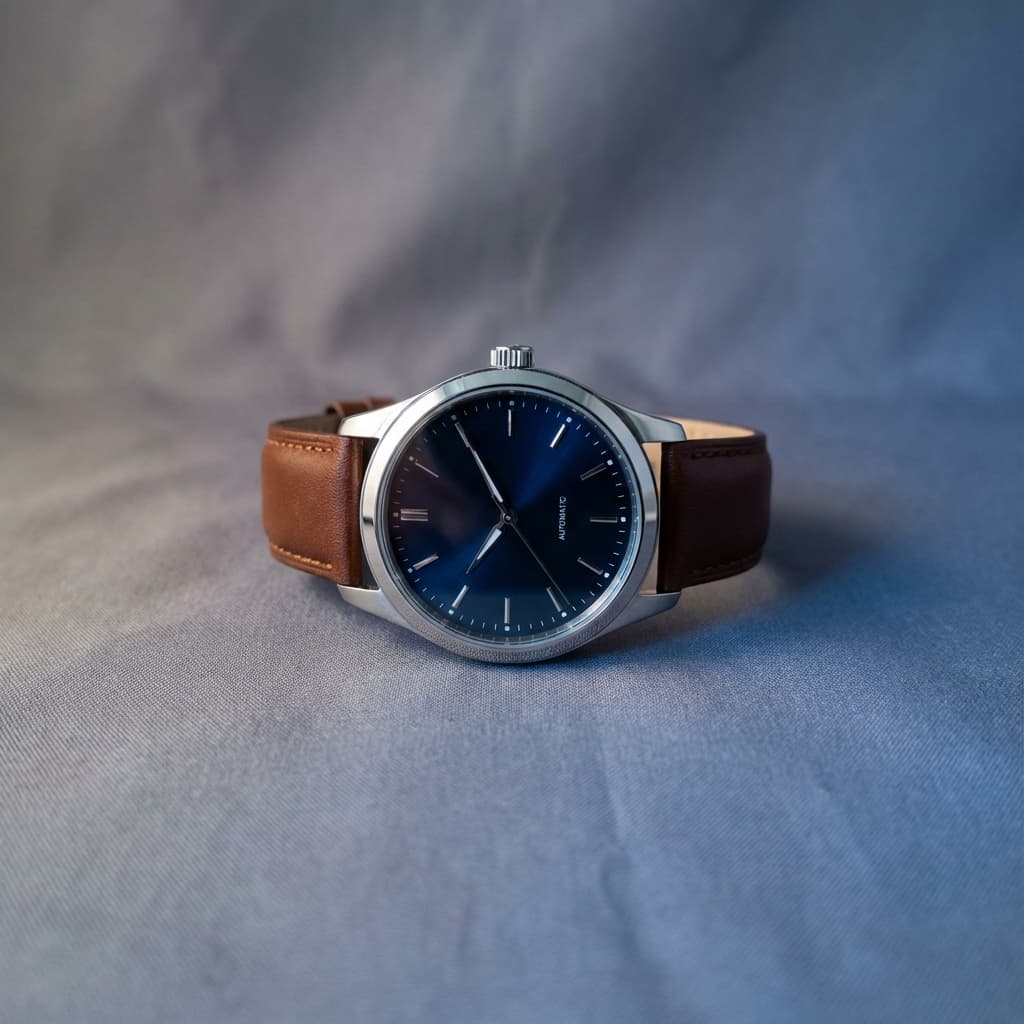
Fix Colors Without Photoshop Skills
Bad supplier lighting creates color inconsistencies. Customers can't trust what they'll receive. Your team shouldn't need advanced Photoshop skills to fix basic lighting issues.


You Have Product Shots. You Need Lifestyle Images.
Three white-background product photos don't sell. Customers want to see products in use, in context, on real people. But creating lifestyle images manually? Too expensive.
The Manual Way: Prohibitively Expensive
AI-Generated Lifestyle Images
Launch faster. Test more variations. Update seasonal imagery without reshoots.
Your Images Are Killing Your Conversions
Large images slow down your pages. Slow pages lose sales. Here's the difference optimization makes.
SUPPLIER IMAGE
4.2 MB
4032 × 3024
Original JPEG
MARKETPLACE READY
47 KB
1000 × 1000
Optimized WebP
98% smaller. Same quality. Faster sales.
The Hidden Problem: Re-optimization After Every Change
Upscaling and other image transformations undo file optimizations. Platform limits force you to re-optimize. Manual workflows waste hours.
The Problem
You upscale a product image from 500px to 5000px for high-quality prints. Now it's 60MB.
Even if Shopify converts it to WebP, you're still serving a 5000×5000 image. Shopify's automatic optimization isn't fully optimized—file sizes stay large. Page load times suffer.
So you open Photoshop or TinyPNG. Export at lower resolution. Re-upload. Test. Not small enough? Repeat.
Every single edit means starting this process over.
With Pixel Harbor
Upload your 60MB upscaled image. Make edits. Change backgrounds. Adjust colors.
When you're ready to export, optimization is one click away—and it's free. No external tools. No guessing at settings.
Export as WebP at your target dimensions. File goes from 60MB 50KB. Perfect quality. Lightning fast.
Edit 10 times? Optimize once at the end. Or optimize at each step—it's instant and free.
Why Page Speed Matters for E-commerce
Research shows that slow-loading pages directly impact your bottom line.
Sources: Akamai State of Online Retail Performance (2017), Google/SOASTA Research
Iterate Fast. Optimize Instantly. Launch Faster.
Your product team needs to move fast. Upload, transform, test, refine—without waiting hours for optimization between each iteration.
The Fluid Workflow You Need
Throw Images In
Upload supplier images, upscale them, remove backgrounds, change lighting—all in one place.
Transform & Experiment
Try different versions. Create multiple variants. Test different scenes. Do what you think is best at the moment.
Optimize at Any Step—Instantly & Free
Want to export a version? Optimization is one click, instant, and free. Export again after more edits? Still instant and free. No limits.
Export Platform-Ready Files
Small file sizes. Perfect quality. Polished and professional. Ready to upload to any marketplace.
The result: What used to take days of back-and-forth now happens in hours—with better results.
How Much Is Manual Editing Costing You?
What We're Comparing:
For each image: Remove background Upscale to required resolution Optimize file size for web
Without Pixel Harbor
Remove background, upscale, optimize
3-4 people needed
Junior designer rate (EU/US)
*Even with batch tools for some steps, manual background removal on complex products takes time
With Pixel Harbor
Automated processing
Active time (upload + export)
10 min at €30/hour
Growth plan (5,000 AI credits)
*Plus unlimited non-AI operations (resize, format conversion, optimization)
And That's Just the Beginning
AI-powered editing, virtual models, batch processing, version control — explore all the features designed for e-commerce scale.
Explore All FeaturesOne Tool Replaces Your Entire Stack
Stop paying for separate background removal, compression, and editing tools.
Buy credits as needed
- No monthly commitment
- Credits never expire
- Bulk discounts available
- All AI features included
billed annually
- 3,000 AI credits per month
- Unlimited non-AI processing
- 1-month retention
- 20 virtual models
billed annually
- 5,000 AI credits per month
- Unlimited non-AI processing
- 3-month retention
- 100 virtual models
billed annually
- 15,000 AI credits per month
- Unlimited non-AI processing
- 1-year retention
- Unlimited virtual models
Ready to Transform Your Product Catalog?
Start with Pay As You Go. No commitment, pay only for what you use.